
Knowledge about CMS, websites and best practices.
Tips for website editors, product updates and best practices for building modern websites with Siteor CMS.
From Siteor to Intum CMS - a fresh start after 15 years
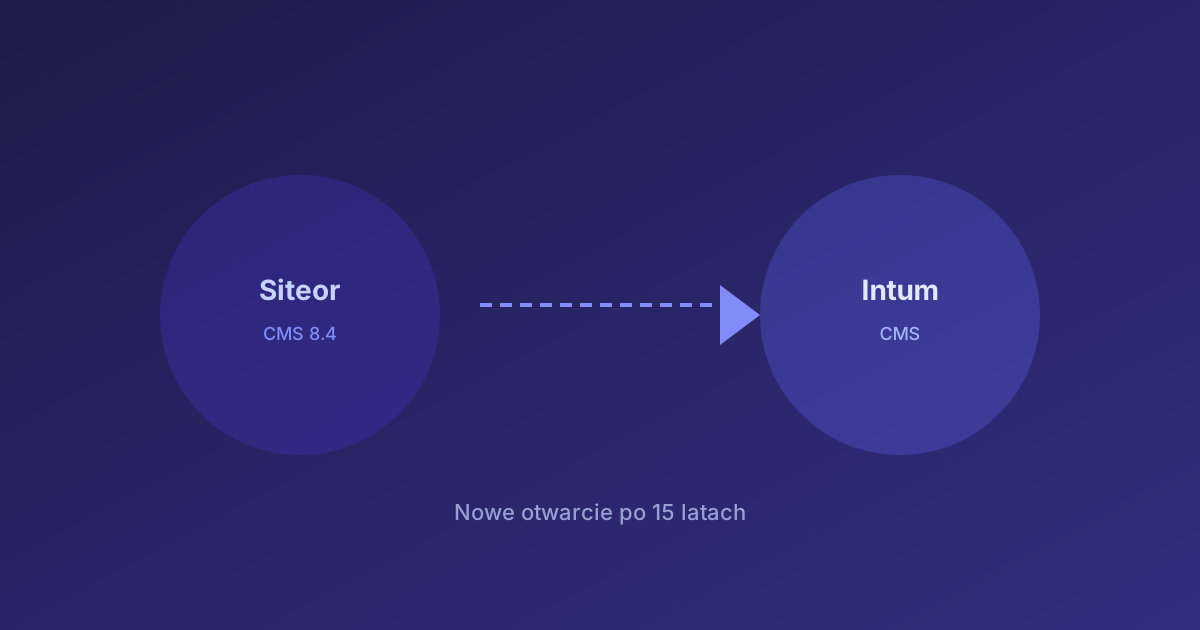
Siteor CMS was born in 2011. A simple Ruby on Rails application that for over a decade powered hundreds of sites - from one-person businesses, through restaurants and bands, to public-information bulletins and online stores.
It ran on a paragraph model: an editor assembled a page from blocks (text, image, gallery, form, FAQ), filled in the fields and published. No HTML knowledge required.
What worked well
The paragraph system was intuitive. A blogger added an article with a thumbnail and a category. A restaurant owner dropped photos into a gallery. A band had a profile with concerts and music. A clerk ran a public-information bulletin that met accessibility requirements.
Over the years, sites like winnicapustkowie.pl (a vineyard with a wine blog), grapozorow.pl (Warsaw indie rock) or nowybip.pl (a bulletin system for public offices) were built on Siteor. Files were hosted on AWS S3 via fs.siteor.com, and a full JSON API let you automate content management.
What stopped being enough
Requirements changed fundamentally. Google expects structured data (JSON-LD), hreflang for language versions, Open Graph for social previews. Sites must serve several domains in different languages from a single panel. AI bots need an llms.txt file to understand a site's content.
In the old Siteor, changing a meta description across 50 pages meant 50 manual edits. Multilingualism required separate portals. Menus were hard-coded in templates. There was no API for batch operations on content.
A new CMS inside the Intum platform
Instead of patching the old system, we built a CMS module from scratch as part of the Intum platform. The approach is different:
- A page is HTML + Liquid - full control over the markup. Templates with loops, conditionals, a dynamic menu. None of the limits of a paragraph system
- A complete REST API - every resource (pages, articles, layouts, assets, domains) has CRUD endpoints in JSON. Changing meta on 200 pages is a loop with PATCH
- Multilingualism from one panel - master/slave pages, fields with language variants, separate domains per language. Automatic hreflang, canonical, 301 redirects between versions
- Automatic SEO - sitemap.xml, robots.txt, llms.txt generated from Liquid templates. Open Graph and Twitter Cards with no configuration. BlogPosting schema on articles
- AI compatibility - we manage hundreds of pages through Claude Code and the API. Migrations, batch content edits, SEO audits - operations that would take days by hand, we do in hours
How a migration works
Any site from the old Siteor can move to the new CMS. The typical process:
- Pull the page structure and SEO data from the old Siteor API
- Create a site and a Liquid layout in the new CMS
- Rewrite the content - we usually refresh the design along the way (Tailwind CSS, responsiveness, dark mode)
- Migrate blog articles while keeping the URLs (important for Google rankings)
- Connect the domain and verify the sitemap
We have already migrated more than a dozen sites - winnicapustkowie.pl, grapozorow.pl, ksef.pl, paragony.pl, siteor.net and others. Every migration is a chance to refresh the look and improve SEO.
What's next
Siteor.net runs on the new CMS with full SEO, four language versions (PL, EN, FR, UA) and a blog - the one you are reading this post on. In the coming articles we describe specific new features: automatic social previews, handling AI bots via llms.txt and the multilingual mechanism.