
Knowledge about CMS, websites and best practices.
Tips for website editors, product updates and best practices for building modern websites with Siteor CMS.
Open Graph and Twitter Cards - automatic social previews in the CMS
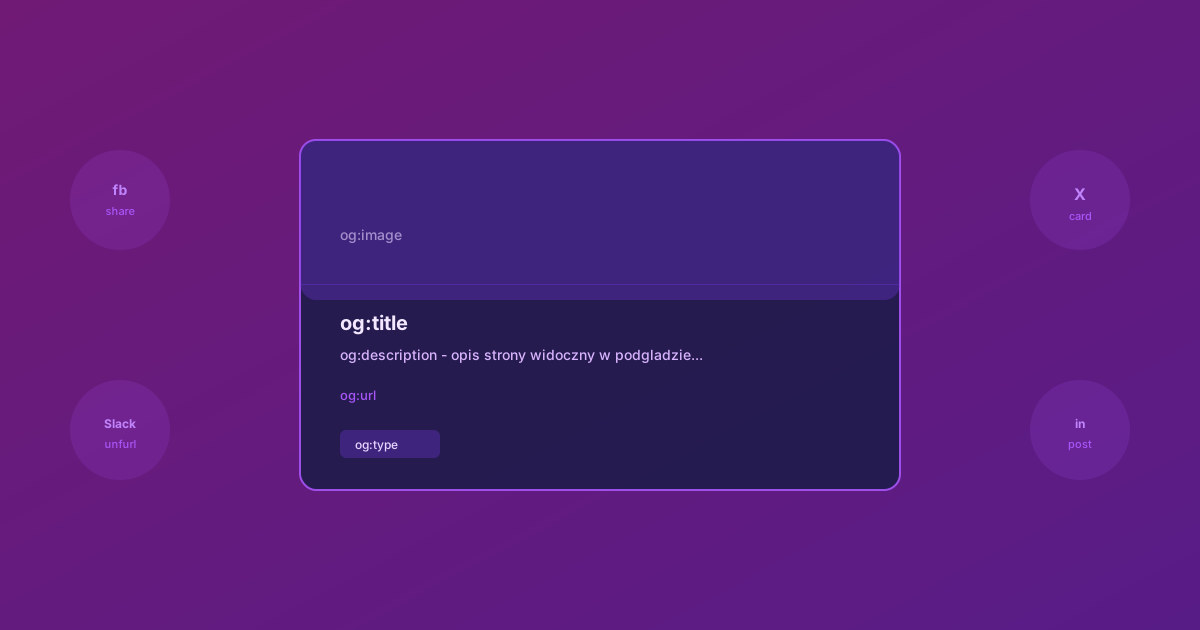
You share a link to your site on Facebook. Instead of a nice preview with a title, description and image, you get a bare URL or a random snippet of text from the page. Sound familiar?
That is the problem of missing Open Graph tags. Siteor CMS solves it automatically.
What Open Graph is
Open Graph (OG) is a protocol created by Facebook in 2010. It defines a set of meta tags in the page's <head> section that tell social platforms how to display the preview of a shared link.
The most important tags:
- og:title - the title shown in the preview
- og:description - a short description under the title
- og:url - the canonical URL of the page
-
og:type - the content type (
websitefor pages,articlefor articles) - og:site_name - the site name
- og:image - the thumbnail, best ratio 1200x630px
The same tags are understood by Facebook, LinkedIn, Slack, Discord, Telegram and many other services.
Twitter Card
Twitter (X) uses its own set of tags, but the principle is the same. Siteor CMS generates both formats at once:
-
twitter:card - the card type (
summary_large_imagewhen there is an image,summarywithout) - twitter:title - the title
- twitter:description - the description
- twitter:image - the thumbnail
How it works in Siteor CMS
All the tags are generated automatically from the page or article data. You do not need to configure anything - the page just needs its SEO fields filled in (title and description).
For blog articles the system additionally:
- Sets
og:typetoarticle(instead ofwebsite) - Builds the URL from the base blog page + the article path
- Uses the article's
image_urlasog:image
As a result, sharing an article on Facebook shows the article's title, its summary and thumbnail - not the data of the parent /blog page.
Layout requirements
OG and Twitter Card tags are part of the SEO block. For them to work, the layout must contain the Liquid variable:
in the page's <head> section. This single variable inserts canonical, hreflang, Open Graph and Twitter Card all at once.
Checking the preview
After publishing a page it is worth checking how the preview looks:
- Facebook Sharing Debugger - paste the URL, click Debug
- Twitter Card Validator - the same for X
- Slack - paste the link into a message, Slack shows a live preview
If Facebook caches an old preview, use the "Scrape Again" button in the Debugger.
Summary
Previously you had to add Open Graph tags manually in every layout. Now the CMS generates them itself from the SEO fields. It works on multilingual sites - each language version gets its own tags with the correct data.