
Knowledge about CMS, websites and best practices.
Tips for website editors, product updates and best practices for building modern websites with Siteor CMS.
Sitemap, robots.txt and Liquid templates - how the CMS generates SEO files
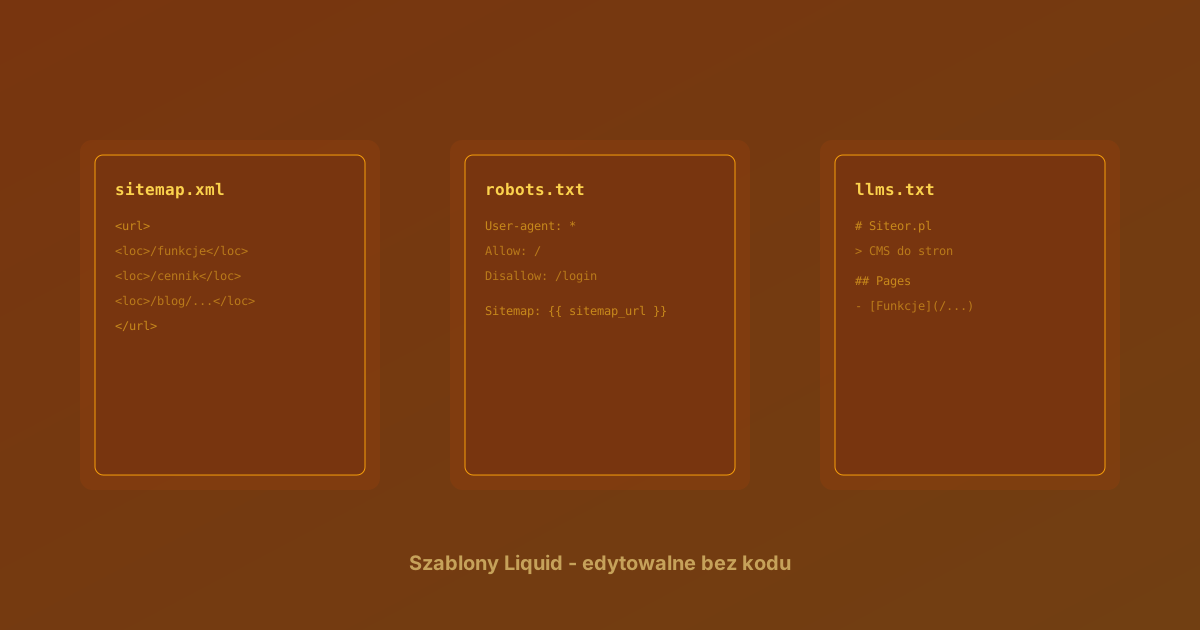
Every website needs two technical files: sitemap.xml (a map of pages to index) and robots.txt (instructions for crawlers). Until recently the logic for generating these files was hard-coded in the controller. We have now moved it into editable Liquid templates.
What changed
Generating the SEO files has moved from the controller into the Site model. Three dedicated methods:
- build_sitemap_data - gathers pages, articles and knowledge-base entries into one data structure to render as XML
- build_robots_txt - generates robots.txt from a Liquid template
- build_llms_txt - generates llms.txt from a Liquid template (the llmstxt.org standard for AI bots)
The CMS controller calls these methods and serves the result. The logic is testable separately from the HTTP layer.
robots.txt - a Liquid template
The default robots.txt looks like this:
User-agent: *
Allow: /
Disallow: /login
Disallow: /signup

Sitemap:
The variable inserts the sitemap URL from the current domain (e.g. https://siteor.net/sitemap.xml).
Want to block additional paths? Set the robots_txt field in the site settings with your own template. You have access to the variables: site, base_url, sitemap_url.
Example - blocking blog pagination (duplicate content):
User-agent: *
Allow: /
Disallow: /login
Disallow: /signup
Disallow: /blog/*?page=

Sitemap:
sitemap.xml - three data sources
The sitemap is generated automatically from:
-
CMS pages - all with
in_sitemap=true. Pages with a redirect (redirect_to) are automatically excluded from the sitemap -
Blog articles - published, with update dates. The URL is built from the path of the parent page holding the
<cms type="article">tag - Knowledge-base entries - if a CMS page has a knowledge base attached, published entries go into the sitemap
Correct article URLs
The sitemap automatically builds full article URLs. If you have a /blog page with a <cms type="article" category_code="news"> tag, an article with category_code=news gets the URL /blog/article-slug.
The system looks for pages with article tags and builds a map of category_code to base path - in a single database query, not in a loop per article. Fast even with hundreds of articles.
URLs from the request domain
URLs in the SEO files are now taken from the domain the request came in on - not from the account configuration. A site on several domains (e.g. siteor.net and siteor.fr) serves files with its own URLs per domain.
This eliminates the problem where Googlebot visits one domain but the sitemap contains URLs of another.
Filtering per language
On multilingual sites the sitemap and llms.txt filter content by the domain's locale. A Polish domain serves Polish pages, an English one - English. Pages without a locale (universal) go into both.
Preview mode
All three files work in CMS preview mode:
/w/site-code/sitemap.xml/w/site-code/robots.txt/w/site-code/llms.txt
You can check their content before connecting a production domain.
Redirect normalisation
Along the way we added normalisation of the redirect_to field on pages. An empty string is treated as no redirect - this simplifies the filters and prevents a page with an empty field from accidentally ending up in the sitemap.